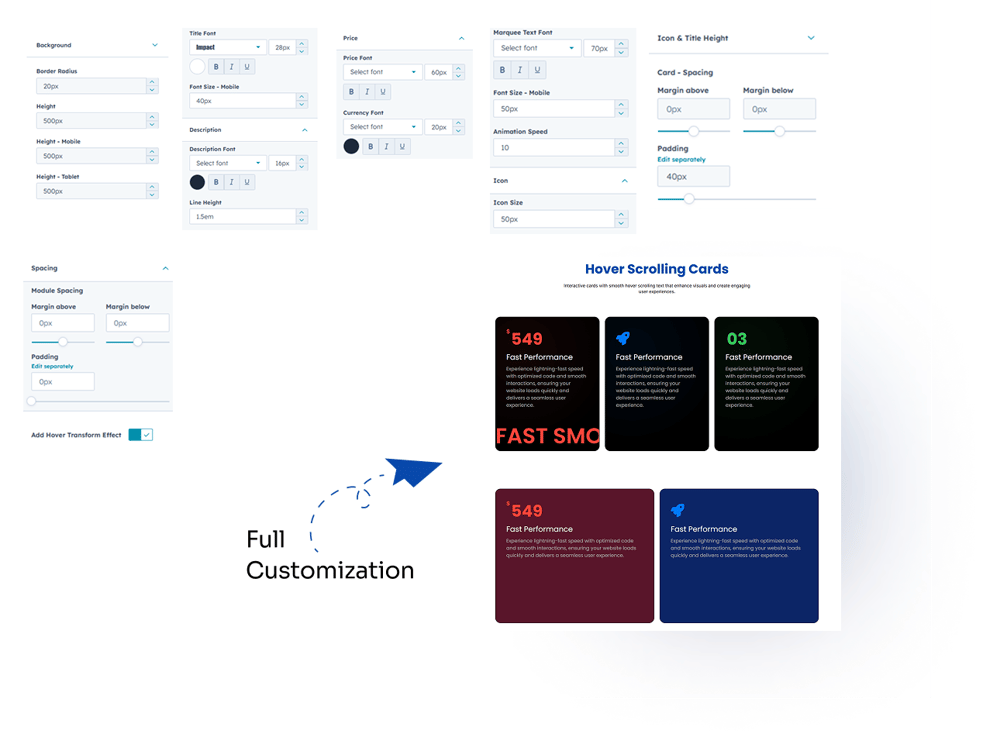
Hover Scrolling Cards is a dynamic module that lets you create interactive cards with smooth marquee-style hover text animations. Customize colors, icons, and content with ease, and display multiple cards in flexible layouts, fully optimized for desktop, tablet, and mobile screens.
5. Module Settings Guide
1. Content Tab-
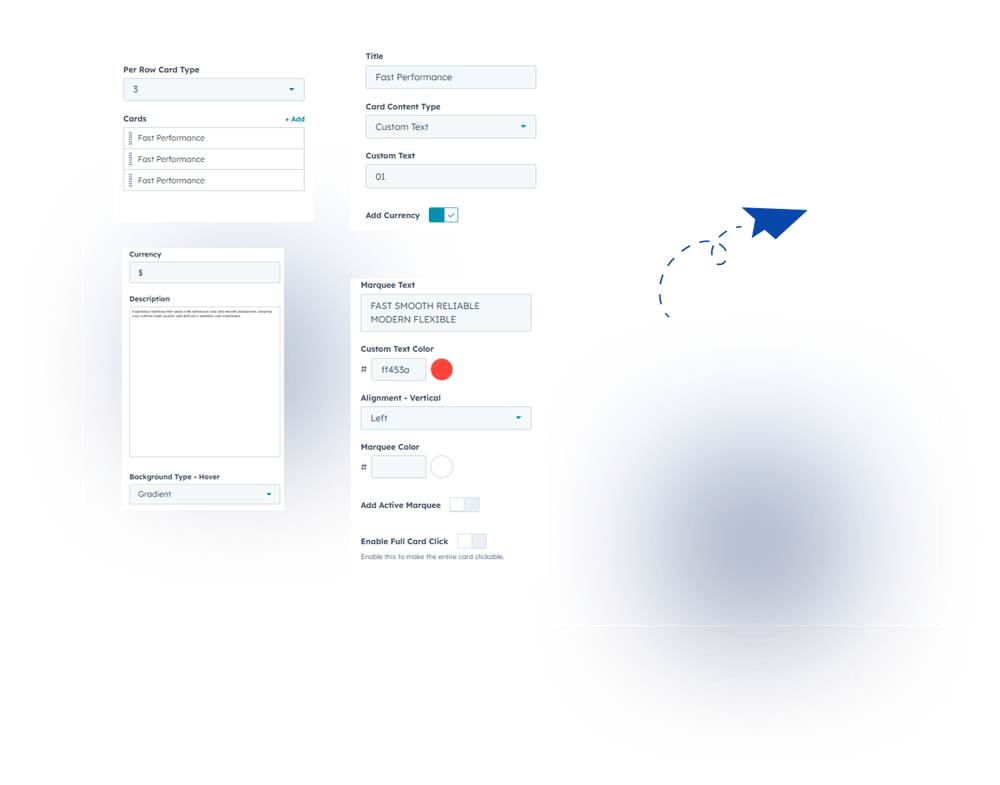
Cards Per Row: Choose how many cards to display in a row (2, 3, or 4 options).
-
Multiple Cards: Easily add and manage multiple cards as needed.
-
Card Colors: Customize each card with different background colors.
-
Marquee Text Colors: Apply unique colors to hover scrolling text for each card.
-
Clickable Cards: Make the entire card clickable to improve user interaction.
2. Style Tab
-
Background Color: Set a single background color for all cards at once.
-
Card Height: Adjust card height for desktop, tablet, and mobile devices.
-
Title Customization: Control title font color, size, family, and mobile font size.
-
Description Customization: Customize text color, font size, and line height.
-
Price & Currency Font: Adjust color, size, and font family for price elements.
-
Marquee Text Customization: Set color, size, font family, mobile font size, and scrolling speed.
-
Icon Size: Easily adjust icon size as per design needs.
-
Icon & Title Height: Set equal height for proper alignment of icons and titles.
-
Card Spacing: Control spacing between cards for better layout.
-
Hover Transform Effect: Add hover animation/transform effects to enhance card interaction.